Best Offline Vocabulary Apps: What to Test in 2026
Compare offline vocabulary apps with an airplane-mode checklist for content, reviews, progress, and syncing before you travel.

TL;DR — The best offline vocabulary app is the one that still lets you study, hear the content you need, and schedule reviews in airplane mode. Check on-device content, offline review behaviour, and what happens when you reconnect. Lingufy is built around 5,000+ curated words, on-device spaced repetition, and offline study; Anki remains a strong option for learners who want to build their own decks.
What does “offline” mean for a vocabulary app?
“Offline” can mean several different things. An app may open without a connection but still need the internet for audio, new lessons, reviews, or progress syncing. For vocabulary learning, an offline claim is useful only when the study actions you rely on still work.
Test three separate things:
- Content: Can you open the words, translations, examples, and audio you expect to use?
- Reviews: Can you answer cards and receive the next review without a connection?
- Progress: When you reconnect, are completed reviews still present and correctly saved?
This distinction prevents a common disappointment: discovering that an app has cached a lesson but not the materials or scheduling you need for a full commute or flight.
How do I test an app before relying on it offline?
Use a five-minute airplane-mode check before a trip. Download any language packs or decks first, then turn on airplane mode and run a normal study session.
| Check | Pass means | Why it matters |
|---|---|---|
| Content opens | Words and examples appear | No surprise paywall or cache gap |
| Audio plays | Pronunciations work if promised | Listening practice remains usable |
| Review advances | Next card appears after an answer | The study loop still works |
| Progress persists | Answers remain after relaunch | Reviews are not lost |
| Sync is clear | Reconnection behaviour is explained | Multi-device use stays predictable |
Take a screenshot or note any missing feature while testing. Store listings and help pages often describe offline support broadly, but this simple check tells you whether the feature works for your language, device, and version.
Which offline vocabulary apps should I compare first?
Start with apps that match your study style rather than a single “best” label.
- Lingufy: Best if you want curated vocabulary without building decks. Lingufy offers 5,000+ words across 12+ languages, examples, pronunciations, on-device spaced repetition, and offline study. It is free on iOS and Android. Explore Lingufy.
- Anki: Best if you want to create, edit, or import your own flashcard decks. Anki’s documentation explains how collections can be synchronised through AnkiWeb; check the official sync guide for your current setup.
- Course-based apps: Useful for structured lessons and motivation. Do the airplane-mode check because downloadable lessons, audio, review scheduling, and plan access vary by version and subscription.
This is deliberately not a permanent feature ranking. App capabilities change, and an honest comparison should link to the current official help page or store listing for each version it names.
When is Lingufy the better offline choice?
Choose Lingufy if your main job is to build a practical vocabulary habit with ready-made content. You do not need to assemble a deck before you can start. The app is designed for daily word review: curated vocabulary, example sentences, pronunciations, and an on-device schedule that can continue without a network connection.
That makes it a strong fit for:
- Commutes with unreliable reception.
- Flights and travel days.
- Learners who want a small daily habit.
- Beginners who want high-frequency vocabulary without deck setup.
- Learners studying more than one language in the same app.
If you want complete control over card design and imported material, Anki may fit better. The useful question is not “Which app wins?” but “Which workflow will I still use every day?”
What should I download before a flight or commute?
Prepare before you lose signal:
- Open the language you plan to study while connected.
- Complete any required content download.
- Play one pronunciation or audio example.
- Finish several reviews in airplane mode.
- Reopen the app and confirm your progress remains.
- Reconnect later and confirm that your account status is correct.
If you use multiple devices, repeat the final check. A locally completed review can be useful immediately, but you should understand how and when the app merges progress across devices.
Does offline study still work with spaced repetition?
It can, provided the app stores both the study material and the review state on the device. That is why the airplane-mode review test matters more than an “offline available” label. In Lingufy, spaced repetition is calculated on-device, so reviews can continue without a connection.
For the learning method behind the schedule, read how spaced repetition works. To make the reviews more effective, pair them with active recall and context.
Key takeaways
- “Offline” should include content, reviews, and saved progress.
- Test the exact app and language pack in airplane mode.
- Compare study workflows, not only feature lists.
- Lingufy suits curated, offline vocabulary practice.
- Anki suits learners who want to build and control decks.
Build an offline vocabulary habit
Lingufy gives you 5,000+ curated words, examples, pronunciations, and on-device spaced repetition across 12+ languages. Use a few minutes of offline review each day, then choose practical vocabulary targets with how many words you need to be fluent.
Frequently asked questions
- How can I test whether a vocabulary app really works offline?
- Turn on airplane mode after downloading the language content, then open words, play one pronunciation, complete several reviews, relaunch the app, and confirm that progress remains. This checks the content, review loop, and local saving that matter during travel.
- Do offline vocabulary apps still use spaced repetition?
- An offline-capable app can use spaced repetition if its review state and scheduling are stored on the device. Do not assume this from an “offline” label alone; complete a review session in airplane mode and confirm that the next review appears and progress persists.
- Should I choose Lingufy or Anki for offline vocabulary practice?
- Lingufy is a strong choice when you want curated vocabulary, examples, pronunciations, and on-device review scheduling without building your own decks. Anki is a strong alternative when you prefer to create or import and manage your own flashcards.
Related articles
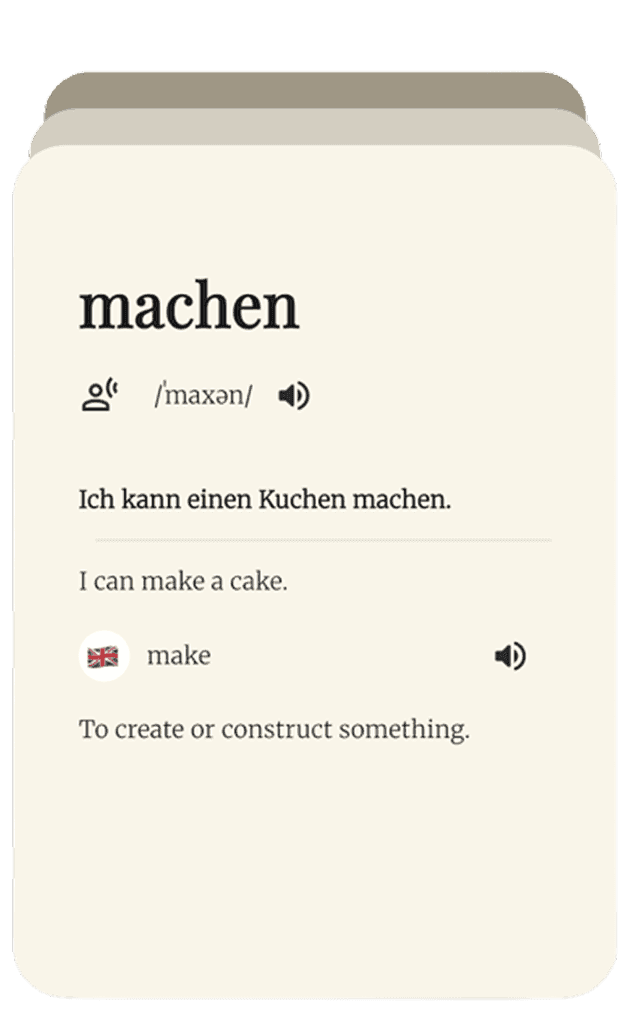
Lingufy vs Anki: Which Vocabulary App Is Better in 2026?
Both use real spaced repetition and work offline. Anki is the customizable power tool; Lingufy is the ready-made vocabulary app. Here's how to choose.
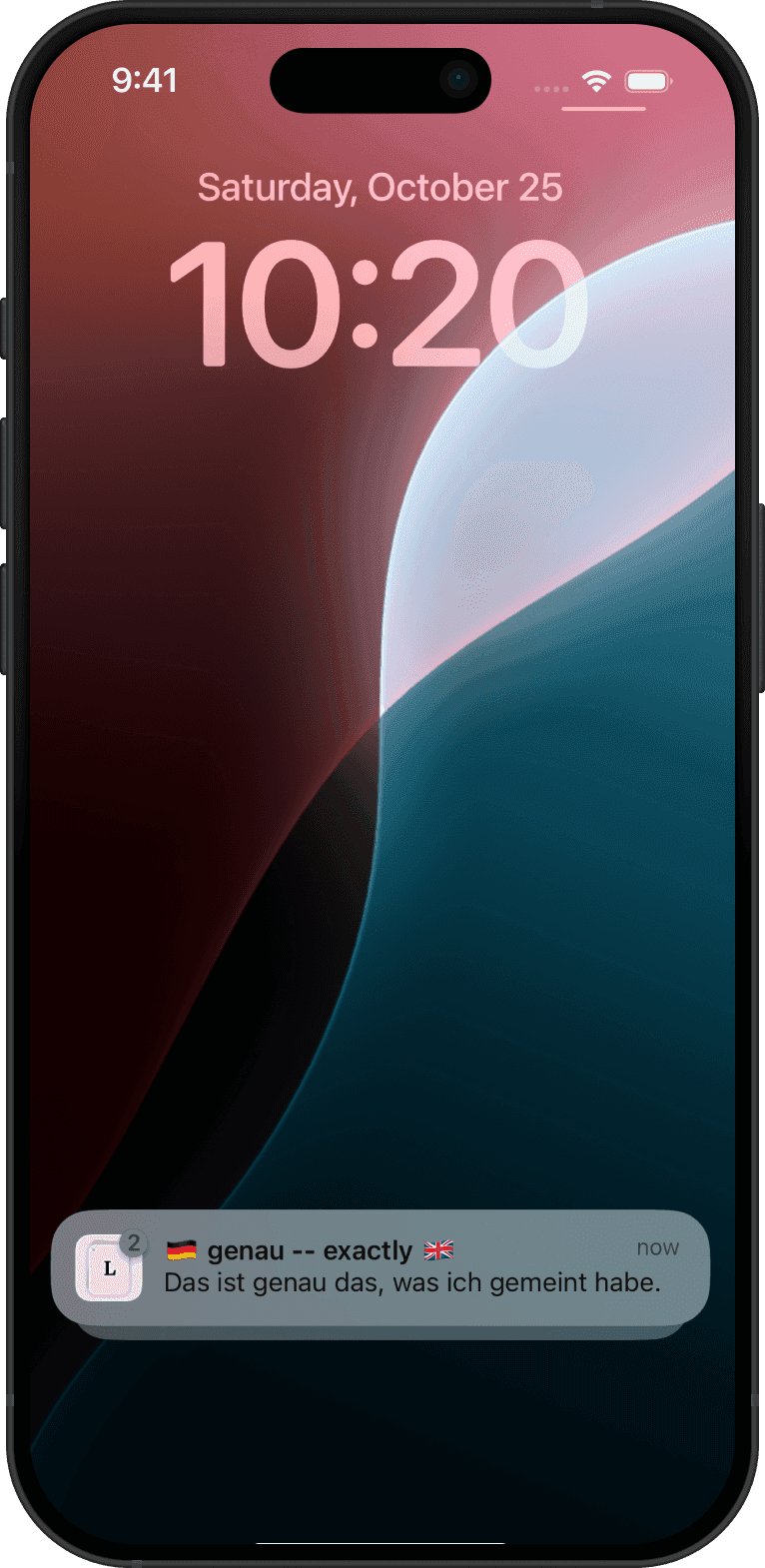
Lingufy vs Duolingo: Which Builds Vocabulary Faster?
Duolingo is a gamified course; Lingufy is a dedicated vocabulary engine with spaced repetition that works offline. Here's which fits your goal.